
Obsidian Plugins 2026: What I Use and What I Dropped
- 18/08/2026
Description
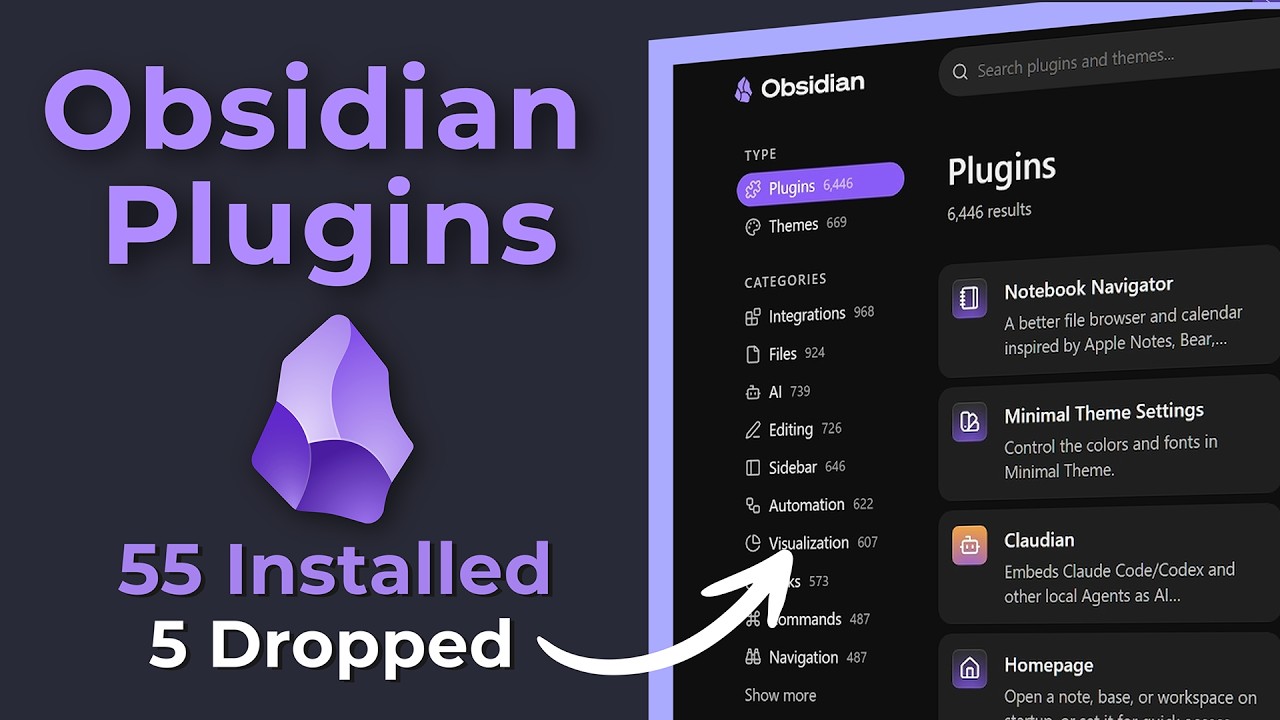
This video provides an in-depth audit of over 50 Obsidian community plugins, categorized into ten functional areas like navigation, automation, and AI integration. The creator demonstrates how these plugins enhance workflow, improve note management, and personalize the Obsidian experience, while also identifying plugins that have been dropped or disabled due to redundancy or inefficiency.
Best Ideas
1. Dynamic Note Templates with MetaBind: Utilize MetaBind to create interactive notes, turning static templates into dynamic dashboards with inline input fields, metadata displays, and custom buttons for advanced data entry and interactive elements within daily journals and other notes.
2. Automated AI Insights with n8n Integration: Connect Obsidian with an external automation platform like n8n (via Local REST API and Post Webhook plugins) to automatically process AI conversations into structured “AI insights” and generate new notes in your vault, streamlining the capture and distillation of AI interactions.
3. Optimize Vault Startup with Lazy Loader: Employ the Lazy Loader plugin to strategically delay the loading of less critical plugins upon Obsidian startup. This significantly improves the vault’s opening speed and overall responsiveness, especially for users with a high number of installed plugins.
4. Efficient Note Creation and Navigation with QuickAdd & Folder Notes: Streamline note creation using QuickAdd with predefined templates for various content types. Complement this with Folder Notes, which allows creating index pages within folders, transforming directories into dynamic overview dashboards for better organization and context.
5. Personalized UI and Context Switching with Commander & Workspaces Manager: Customize Obsidian’s interface by adding custom command shortcuts to the tab bar, status bar, and ribbon using Commander. Pair this with Workspaces Manager to quickly switch between different vault layouts and configurations, adapting Obsidian instantly to various tasks or projects.
6. In-Vault Media Consumption & RSS Feeds: Stay focused by using Media Extended to play YouTube videos and take timestamped notes directly within Obsidian. Integrate an RSS Dashboard to follow favorite channels and news feeds, consuming content and saving articles without leaving the vault or getting distracted by external platforms.
7. AI-Powered Note Refinement (AI Tools & Claudian): Leverage AI plugins like AI Tools (developed by the presenter) and Claudian, often with a Claude Pro subscription, to automatically fix, polish, and enhance notes. This includes adding missing YAML properties, reformatting content, generating summaries, and providing external sources, significantly reducing manual editing effort.
Tools and Resources
- Obsidian: The primary knowledge management application.
- Obsidian Community Plugins Website: Official directory for community plugins.
- GitHub: Source for unofficial, forked, or beta plugins (accessible via Brat).
- n8n: An external automation platform (demonstrated running in a Docker container on a Proxmox Homelab).
- Cloudflare: Used for setting up a reverse tunnel for secure communication with n8n.
- Claude Pro: A paid AI subscription service used by Claudian and AI Tools plugins.
- Node, NPM, Claude Agent, Gemini CLI: Technical prerequisites for setting up AI Tools.
- Obsidian Web Clipper: Tool for web content capture into Obsidian.
- VS Code / Claude Code: External code editors mentioned for interacting with notes.
- Obsidian Starter Vault Pro / Ultimate Vault: Commercial vault setups offered by the creator.
Obsidian Plugins Demonstrated (Used/Recommended):
- Navigation & Exploration: Notebook Navigator, Folder Notes, Tag Wrangler, Folder Bridge, Random Note (Smart Random Note), Recent Files, Recently Added, OmniSearch.
- UI Customization & Efficiency: Commander, Workspaces Manager, Iconize, Minimal Theme Settings, Style Settings, Callout Manager, Hover Editor.
- Dynamic Notes & Automation: MetaBind, Modal Forms, QuickAdd, Periodic Notes, Calendar, Reminders, Templater, AutoNote Organizer (creator’s fork).
- Media & External Integration: Media Extended, RSS Dashboard, Local REST API, Post Webhook, Featured Image, Paste Image Rename, Paste URL into Selection, Auto Link Title.
- Visual Thinking: Excalidraw.
- AI Integration: AI Tools (creator’s plugin), Claudian.
- Utility & Performance: Better Word Count, Lazy Loader, Plugin Update Tracker, Brat.
Obsidian Core Features Mentioned:
- Obsidian Bases: Highlighted as a powerful core feature that replaces older plugins like DB Folder and much of DataView’s functionality.
Obsidian Plugins Mentioned (Dropped/Disabled):
- Advanced Tables: Still installed but rarely used due to newer methods (Obsidian Bases, AI).
- DB Folder: Disabled, replaced by Obsidian Bases.
- MCP Tools: Disabled, alternative methods (Claude Code/VS Code) preferred.
- Tag Explorer: Disabled due to redundancy and perceived slowness compared to Notebook Navigator and Tag Wrangler.
Key Learning Points
- Strategic Plugin Auditing: Regularly review installed plugins to ensure they remain relevant, efficient, and aren’t redundant with new core Obsidian features or other plugins. Disable or uninstall those that no longer serve a clear purpose.
- Embrace Automation for Scalability: Integrate Obsidian with external automation tools (like n8n) and AI-powered plugins to automate repetitive tasks, distill information, and enhance note quality, allowing you to scale your knowledge management efforts.
- Prioritize Performance: Actively manage plugin load times, especially in large vaults, using tools like Lazy Loader to maintain a fast and responsive Obsidian experience.
- Personalize Your Workflow: Don’t just install plugins; customize their settings, create personalized shortcuts (Commander), and set up distinct workspaces to tailor Obsidian precisely to your unique needs and optimize your specific workflows.
- Beyond Basic Text: Explore plugins that extend Obsidian’s capabilities beyond simple text-based notes, such as visual thinking (Excalidraw), dynamic content (MetaBind), and direct media integration, to create a richer and more versatile knowledge base.