
Obsidian People & Meeting Note System (Templates & Complete Guide)
- 23/05/2025
Description
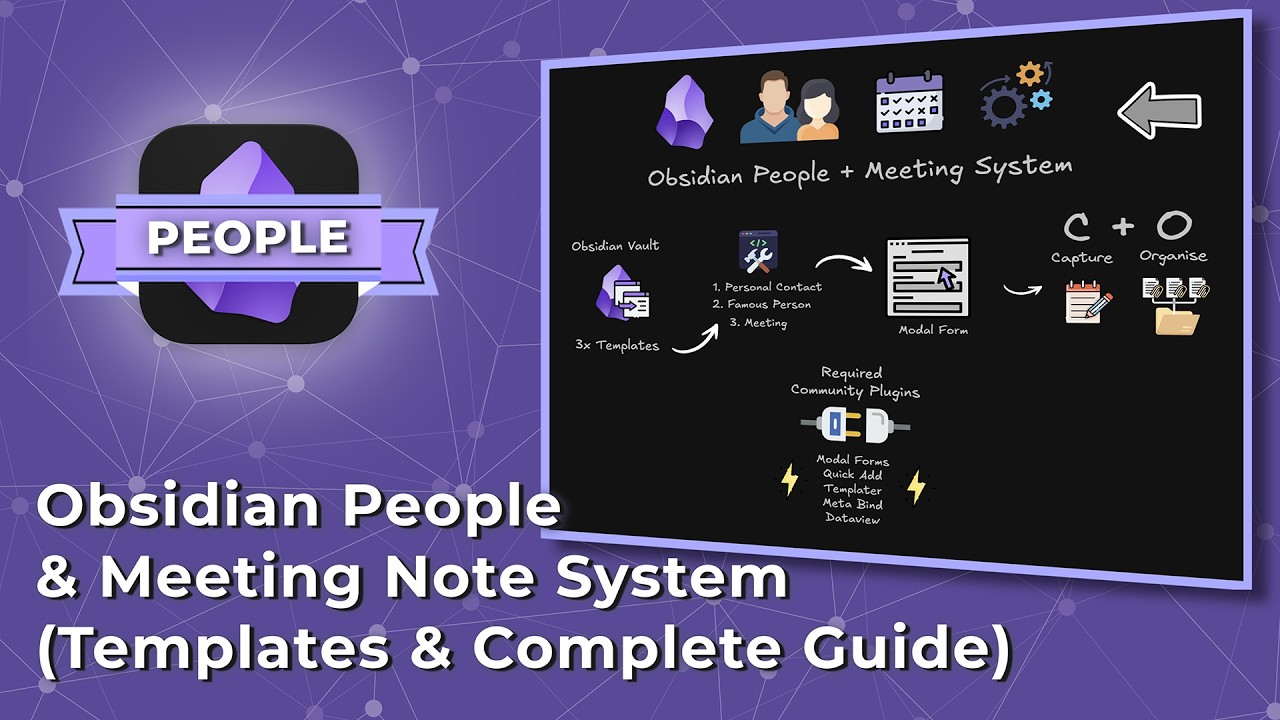
This video provides a comprehensive guide on managing personal contacts and meetings directly within Obsidian. It demonstrates how to set up custom templates for different types of contacts (personal, famous) and meetings, utilizing powerful plugins like Quick Add, MetaBind, Modal Forms, DataView, and Templater to create a dynamic, efficient, and interconnected system for tracking interactions and scheduling.
Best Ideas
1. Centralized People & Meeting Management in Obsidian: The core idea is to move contact and meeting information from disparate apps into Obsidian, allowing for rich linking and context within one’s personal knowledge base.
2. Leveraging Quick Add for Efficiency: Quick Add commands are used to rapidly create new personal contacts, famous people, and meeting notes based on pre-defined templates, significantly streamlining data entry.
3. Dynamic Templates with MetaBind: Templates are made highly interactive and dynamic using MetaBind for various input fields (text area, date picker, inline select, list inputs) and buttons, allowing for structured data capture directly within the note.
4. Structured Meeting Creation with Modal Forms: Converting the meeting template into a Modal Form allows users to input all key meeting details (date, type, duration, attendees, purpose) in a single, guided pop-up window, ensuring consistent data capture.
5. Interconnected Data with DataView Queries: DataView queries are used to automatically display relevant meetings on a contact’s page, showing meeting date, type, purpose, and links, thus providing an instant overview of interactions.
6. Advanced Web Clipping for Famous Persons: The Obsidian Web Clipper (especially with AI integration, as mentioned) can be used to quickly import and structure information from external sources like Wikipedia for famous person notes, saving manual data entry.
7. Templater for Automation: Snippets from Templater are used to automatically insert the current date, cursor position, and other dynamic elements into templates, enhancing the automation of note creation.
Tools and Resources
Obsidian: The primary knowledge management application.
- Obsidian Community Plugins:
- DataView: For creating dynamic queries and displaying related information within notes.
- MetaBind: For creating interactive input fields, buttons, and embeds within notes, making templates dynamic.
- Modal Forms: For designing structured data input forms that pop up, ensuring consistent data capture (especially for meetings).
- Quick Add: For creating commands to quickly add notes based on templates or capture information to active files.
- Templater: For inserting dynamic information (like dates, cursor position) into templates.
- Obsidian Web Clipper (plus AI): Mentioned for importing external web content (like Wikipedia pages) into Obsidian notes.
- Wikipedia: Used as an example source for importing information about famous persons.
Key Learning Points
- Customization is Key: Obsidian’s power lies in its extensibility; users can tailor their vault with community plugins and custom templates to create highly specific workflows for personal and professional needs.
- Structured Data with YAML & MetaBind: By defining YAML frontmatter properties and binding MetaBind input fields to them, users can ensure consistent and searchable data across their notes.
- Efficiency Through Automation: Quick Add and Templater are essential for automating repetitive tasks, such as creating new notes or logging interactions, saving time and reducing friction.
- Modal Forms for Guided Input: For complex data entry, Modal Forms provide a user-friendly and structured way to capture information, which is particularly useful for meeting notes with multiple fields.
- Dynamic Linking with DataView: DataView enables the creation of interconnected systems, automatically pulling and displaying relevant information (e.g., all meetings related to a specific contact) directly into notes.
- Iterative System Improvement: The video encourages starting with a basic system and refining it over time, highlighting that even well-designed systems can benefit from continuous adjustment based on real-world usage.