
Never Lose Your Notes — Obsidian Bases Retrieval Timeline
- 27/02/2026
Description
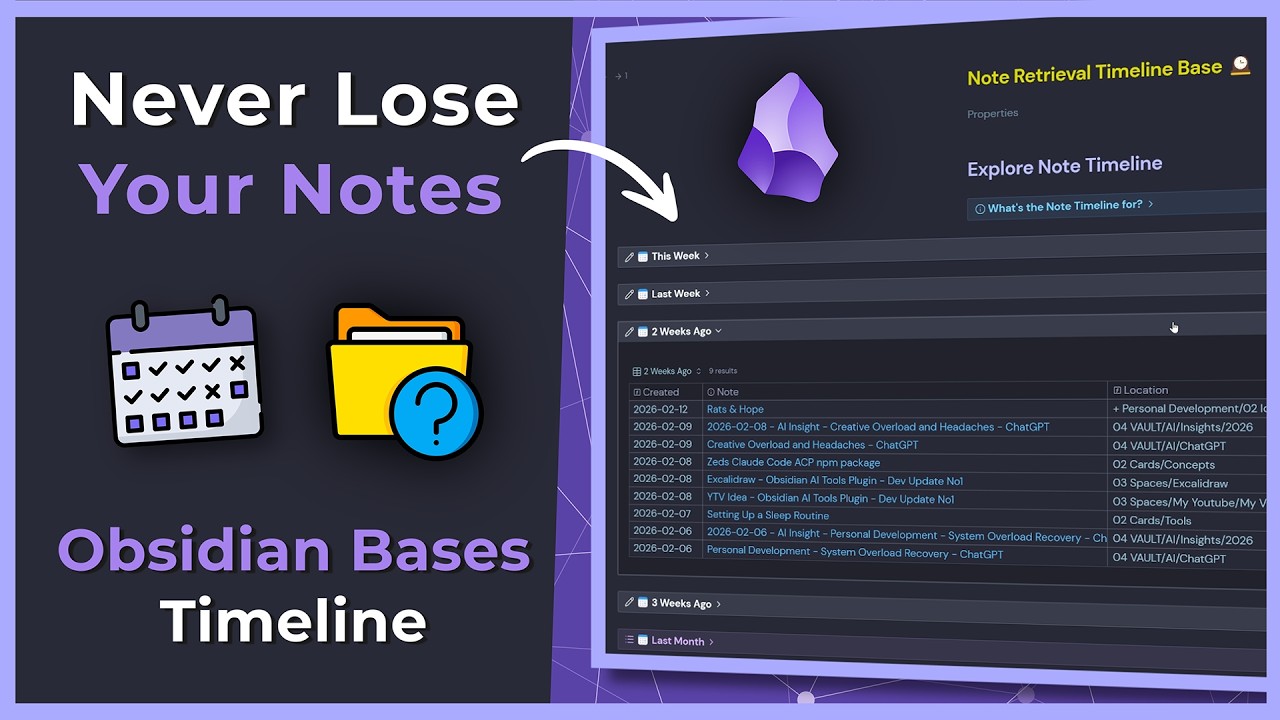
This video demonstrates a “Note Retrieval timeline” system built in Obsidian, designed to prevent losing notes by organizing them chronologically. The system allows users to easily find notes based on when they were created (e.g., this week, last month) using collapsible, date-filtered views, even if they can’t remember the note’s name or exact location.
Best Ideas
1. Date-Based Retrieval Timeline: Organize notes into chronological categories like “this week,” “last week,” “last month,” making it easy to browse recent work when specific note names are forgotten.
2. Collapsible Callouts for Dashboard Clarity: Utilize collapsible callouts to display date-filtered note lists, preventing the main dashboard or retrieval page from becoming an overwhelming “wall of notes” and maintaining a clean interface.
3. Dedicated Workspaces for Specific Retrieval Needs: Create custom Obsidian workspaces (e.g., “Note Retrieval” or “Yearly Reflection”) tailored to different retrieval strategies, allowing for quick switching between views.
4. Filtering Out Non-Note Content: Implement filters to exclude specific file types like images, media, or journal entries from general note retrieval views, reducing clutter and making it easier to find textual notes.
5. Separate Non-Core Content Areas: Move non-essential or less frequently accessed content (e.g., movie notes, media tracking) out of the main “vault” into a separate area to prevent clutter and maintain focus on primary knowledge.
6. “Fallback” Query Methods: Retain older or alternative query methods (like DataView) as a fallback, ensuring continuity and providing options even when new plugins or techniques are introduced.
7. Map of Content (MOC) as a Central Hub: Use a central Map of Content note as a dashboard to link and consolidate various retrieval methods and bases, offering a comprehensive overview of your organizational structure.
Tools and Resources
- Obsidian: The primary note-taking software used for building and managing the system.
- Obsidian Bases Plugin: The key plugin used to create the dynamic, date-filtered views for the note retrieval timeline.
- Obsidian Workspaces: The built-in Obsidian feature for saving and quickly switching between different panel layouts and open notes.
- DataView Plugin: Mentioned as a previous method for creating queries, kept as a fallback.
- Collapsible Callouts (Markdown Feature): Used within Obsidian to create expandable/collapsible sections for lists of notes.
- YAML Properties: Used for metadata at the top of notes to link to other MOCs or provide descriptions.
- Obsidian Commander/Hotkeys: For quickly toggling source mode (e.g., Ctrl-P for commands, or custom hotkeys like Ctrl-E).
Key Learning Points
- Proactive Retrieval System Design: It’s crucial to design and implement robust note retrieval systems *before* you need them, rather than struggling to find lost notes later.
- Contextual Organization is Key: Different retrieval methods are effective for different situations (e.g., chronological for recent work, MOCs for specific topics, filtering for file types).
- Clutter Management is Essential: Regularly clean and filter your vault by separating media, non-core content, and using collapsible elements to maintain a usable and efficient knowledge base.
- Leverage Obsidian’s Extensibility: Utilize plugins, workspaces, and markdown features to customize Obsidian to perfectly fit your personal knowledge management and retrieval needs.
- Iterative Improvement of Systems: Personal knowledge management systems are not static; be prepared to evolve and improve your methods (e.g., from DataView to Bases) as your needs change or new tools emerge.