
Building AI Tools for Obsidian – Claude Code Integration
- 12/02/2026
Description
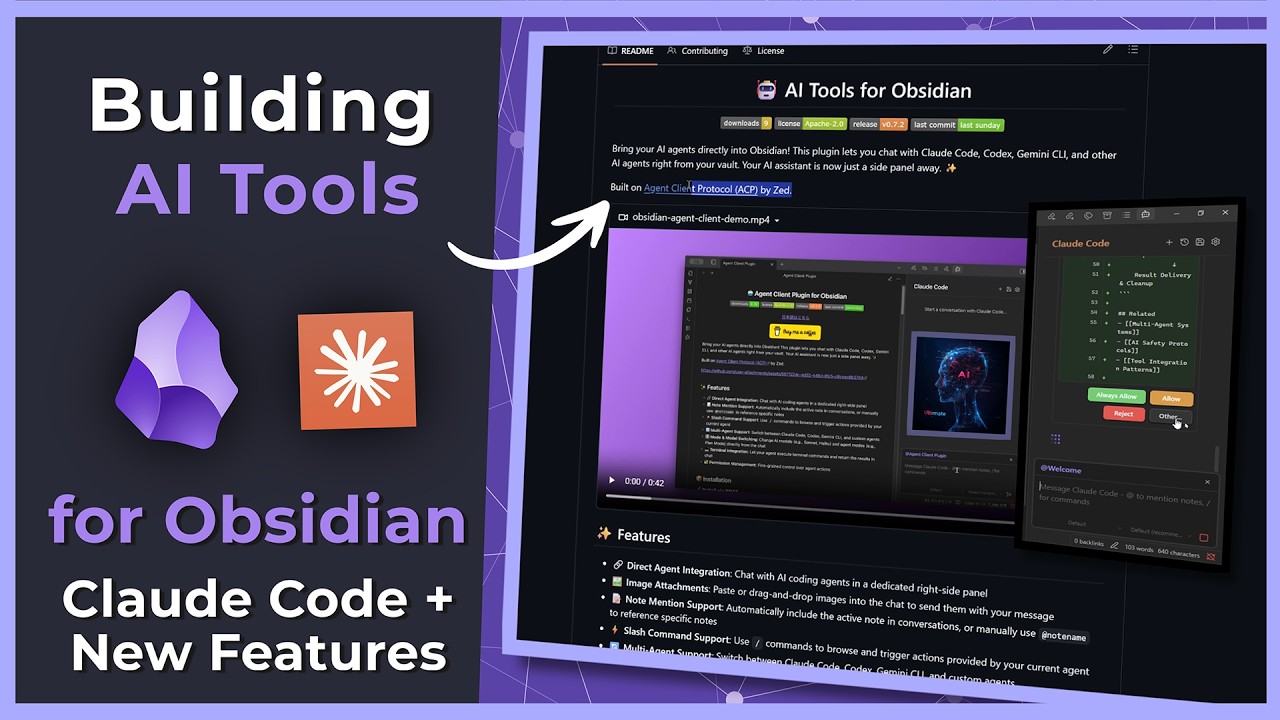
This video provides an in-depth look at the “AI Tools for Obsidian” community plugin, focusing on its improved onboarding system and integration with Claude Code. The creator demonstrates how AI agents can assist with plugin development (using Claude to generate code) and enhance Obsidian workflows through automated note maintenance, research, and content structuring, all while discussing the challenges and benefits of open-source development.
Best Ideas
1. AI-Driven Onboarding System: The plugin features a streamlined onboarding process that automatically sets up AI agents like Claude Code, requests API keys, checks for dependencies (Node.js/npm), and guides users through the installation, significantly simplifying complex setup.
2. AI for Plugin Development & Code Generation: The creator effectively uses Claude Opus as a coding assistant within VS Code, asking it to plan and implement new features (like adding an “Other” option to a dialog). This demonstrates AI’s practical application in accelerating software development.
3. Open Source & Forking for Customization: The project is a fork of an existing open-source plugin, highlighting how developers can leverage and adapt existing solutions (Apache 2.0 license) to meet specific needs, fostering collaborative innovation.
4. Automated Obsidian Note Maintenance with AI: The video showcases AI’s ability to perform routine maintenance tasks like fixing formatting, adding YAML properties, structuring notes based on templates, and enriching content, saving significant manual effort.
5. AI for Research and Information Synthesis: Claude Code’s internet browsing capability allows it to research new integrations (e.g., Olama local LLM) and generate comprehensive notes, demonstrating its utility for information gathering and synthesis within Obsidian.
6. Custom AI Commands/Skills: Users can define specific “commands” or “skills” (e.g., `fix idea`, `json canvas`) for the AI to execute within Obsidian, enabling highly specialized and automated actions tailored to personal workflows and note structures.
7. Flexibility in AI Interaction: The video explores interacting with AI tools directly within Obsidian, but also highlights the option of using Claude Code in a terminal environment, catering to different user preferences and workflows (e.g., using a second monitor).
Tools and Resources
- Obsidian: The primary note-taking application.
- AI Tools for Obsidian (Community Plugin): The main plugin being demonstrated.
- Claude Code / Claude Opus (Anthropic): The AI agents integrated into the plugin for coding, chat, and task execution.
- Gemini CLI: Another AI agent mentioned as a potential integration.
- Node.js & npm (Node Package Manager): Essential runtime and package manager required for the plugin’s functionality.
- GitHub: Platform for open-source project hosting, forking, and development.
- VS Code (Visual Studio Code): The creator’s integrated development environment (IDE) for plugin development.
- Virtual Machine (VirtualBox with Windows 11): Used for isolated testing of the plugin in a fresh Obsidian environment.
- Agent Client Protocol (ACP) / splire.z.dev: The underlying protocol upon which the AI Tools plugin is based.
- Z industries: Developer mentioned in relation to the Rust-based implementation of Claude Code ACP.
- Flip Flexity / Google Geminiar3 Pro: Mentioned as alternative external tools for quicker web research.
- Markdown / YAML: Core formatting and metadata elements within Obsidian notes.
- Obsidian Canvas: A visual tool within Obsidian for which AI can generate content.
Key Learning Points
- Onboarding is Crucial for Plugin Adoption: A well-designed onboarding system can significantly lower the barrier to entry for complex community plugins, ensuring wider user adoption and satisfaction.
- Leverage Open Source: Forking and building upon existing open-source projects can accelerate development and allow for personalized customization, promoting a collaborative ecosystem.
- AI as a Development Partner: AI models like Claude Opus can serve as powerful co-pilots in software development, assisting with planning, code generation, and debugging, but still require human oversight and testing.
- Automate Repetitive Tasks in Knowledge Management: AI can be effectively deployed to automate mundane or repetitive tasks within Obsidian, such as formatting, applying templates, and organizing notes, freeing up mental energy for higher-level thinking.
- Mind the “Laziness Trap” and Cognitive Load: While AI can be incredibly helpful, over-reliance can lead to a “laziness trap.” Additionally, integrating too much AI directly into your main workflow (Obsidian) can become overwhelming; finding a balance or using secondary interfaces (like terminals) is important.
- Plugin Development is Challenging: Maintaining community plugins involves dealing with versioning issues, debugging, and rigorous testing across different environments, requiring dedication and respect for developers.
- Customization Through “Skills” and “Commands”: The power of AI tools in Obsidian can be greatly enhanced by creating specific, tailored “skills” or “commands” that align with individual knowledge management strategies.