Obsidian CSV Import Starter Pack (50 Books + AI Prompt)

📝 Overview

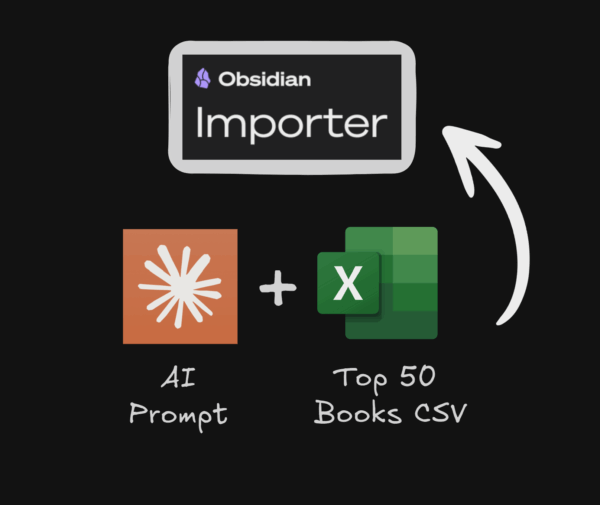
Create a complete book vault with 50 AI-generated books imported into Obsidian using the Importer Plugin. This process takes about 5 minutes and gives you a fully functional database-style vault with linked authors, metadata, and visual cards view. Perfect for learning how to rapidly prototype ANY database in Obsidian - books, movies, clients, projects, or research papers.

📦 What's Included

  • 📄 How to create a book database in Obsidian in less than 5 minutes Markdown file with instructions and AI prompt
  • 📄 top_50_books.csv Top 50 Books CSV to Import into Obsidian for testing

🛠️ Installation Steps

  1. Generate your CSV file with the prompt below or use the included `top_50_books.csv

  2. Install the Importer Plugin inside Obsidian

  3. CTRL+ P or CMD+P on Mac > Importer

  4. Select CSV as your File Format

  5. Choose the CSV to import

  6. Select your desired output folder

  7. Click Import

  8. Refine your Book Base and Tables

⚙️ Requirements

  • Obsidian
  • AI Tools
  • Importer
  • CSV Data

Related Products

Reviews

{{ reviewsTotal }}{{ options.labels.singularReviewCountLabel }}
{{ reviewsTotal }}{{ options.labels.pluralReviewCountLabel }}
{{ options.labels.noReviewsLabel }}
{{ options.labels.newReviewButton }}
{{ userData.canReview.message }}
0
0
Your Cart
Your cart is emptyReturn to Shop