
Home > Syncthing Audit Ignore Patterns Command
Syncthing Audit Ignore Patterns Command
📝 Overview
Syncthing Audit — Ignore Patterns Command for your .obsidian folder
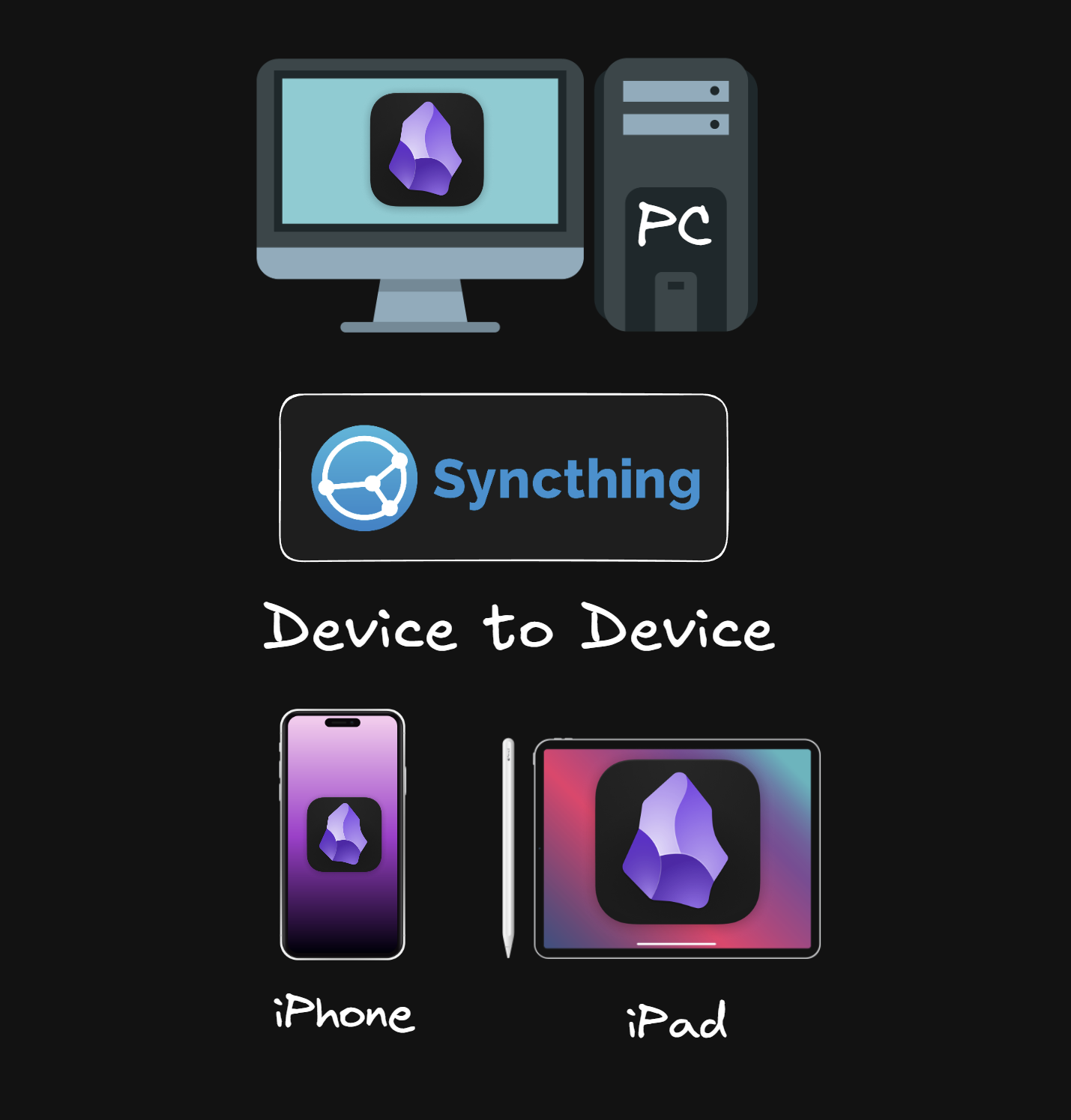
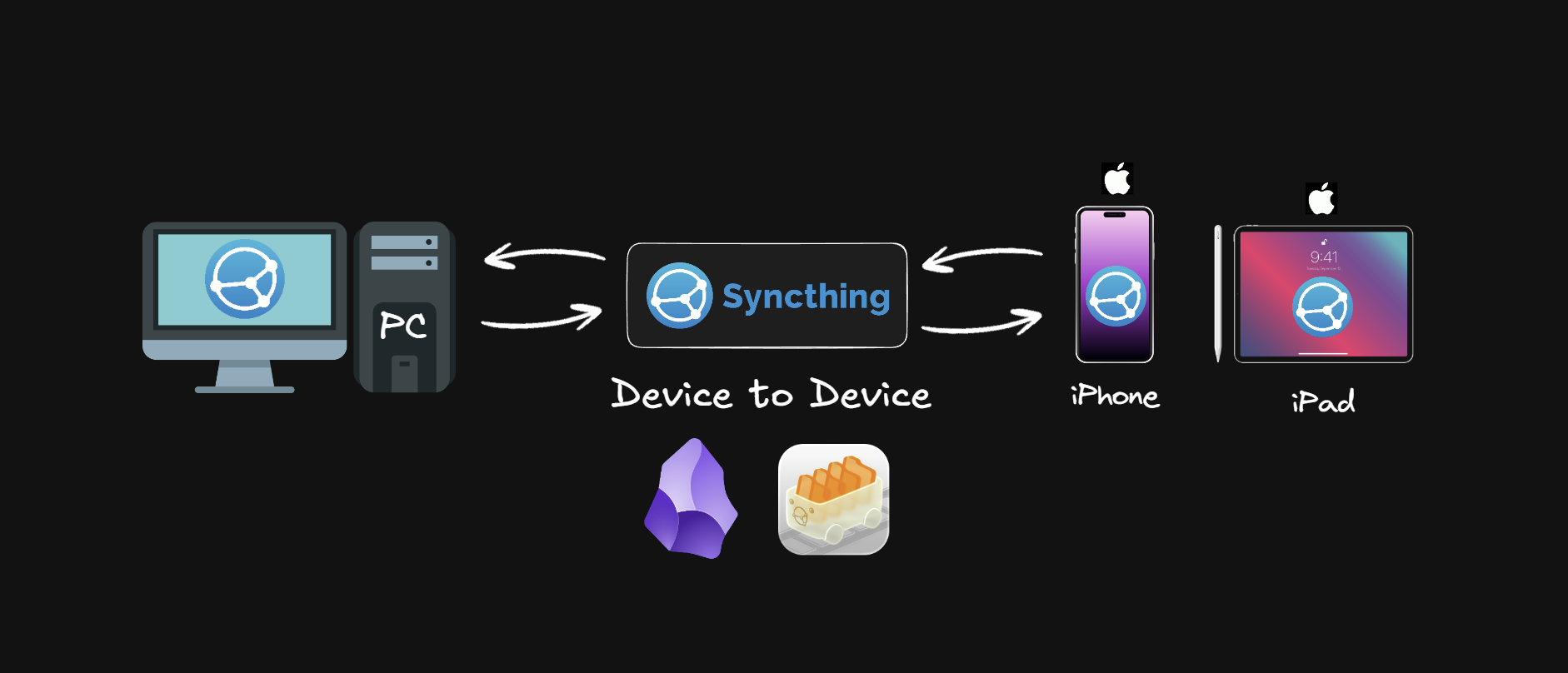
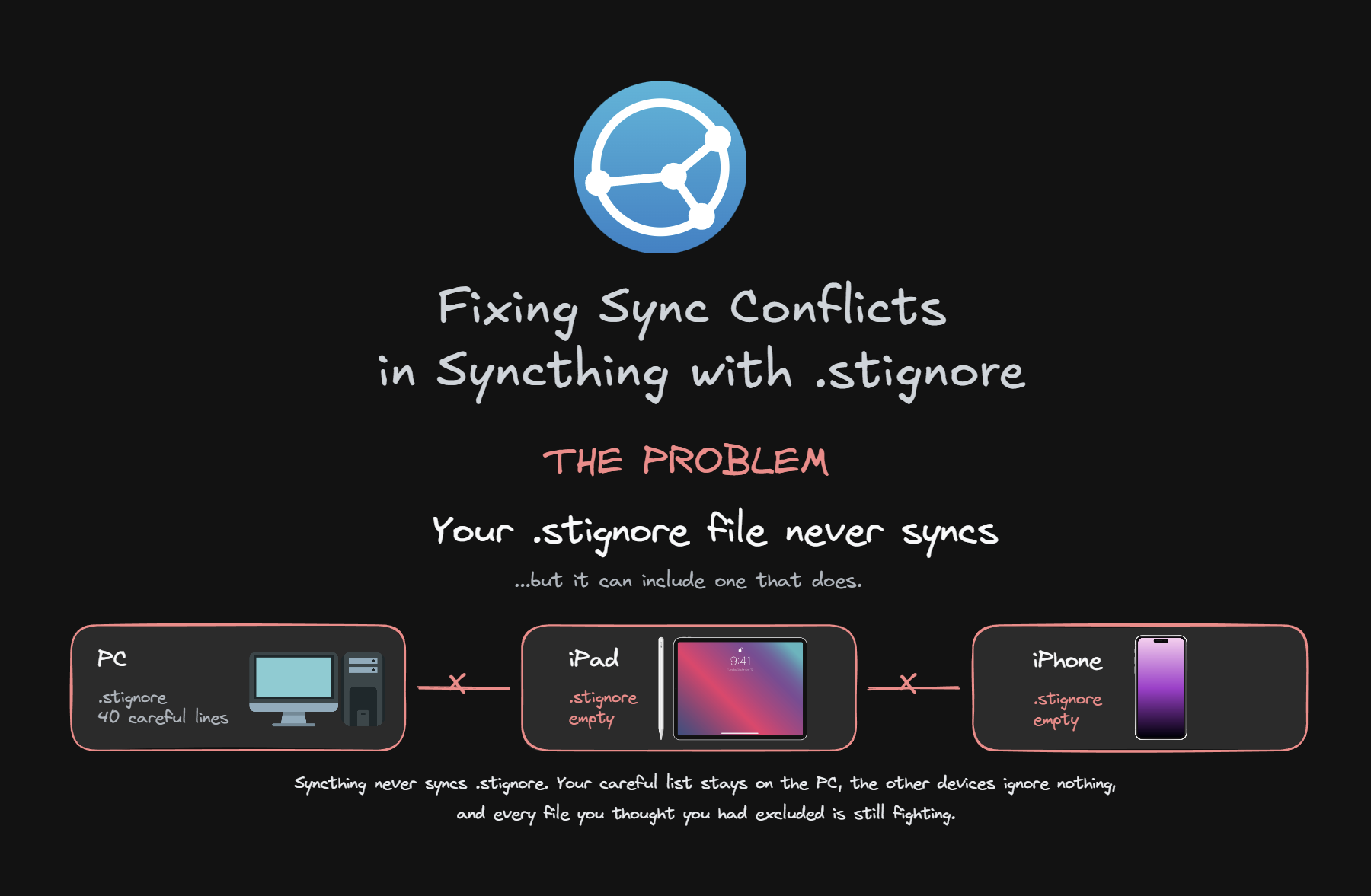
If you sync your Obsidian vault with Syncthing, you've seen the .sync-conflict files pile up inside .obsidian. The usual advice is to copy someone's .stignore but that never works properly, because the churn is specific to your plugins. A vault running 12 plugins and one running 50 have almost nothing in common in their ignore list.
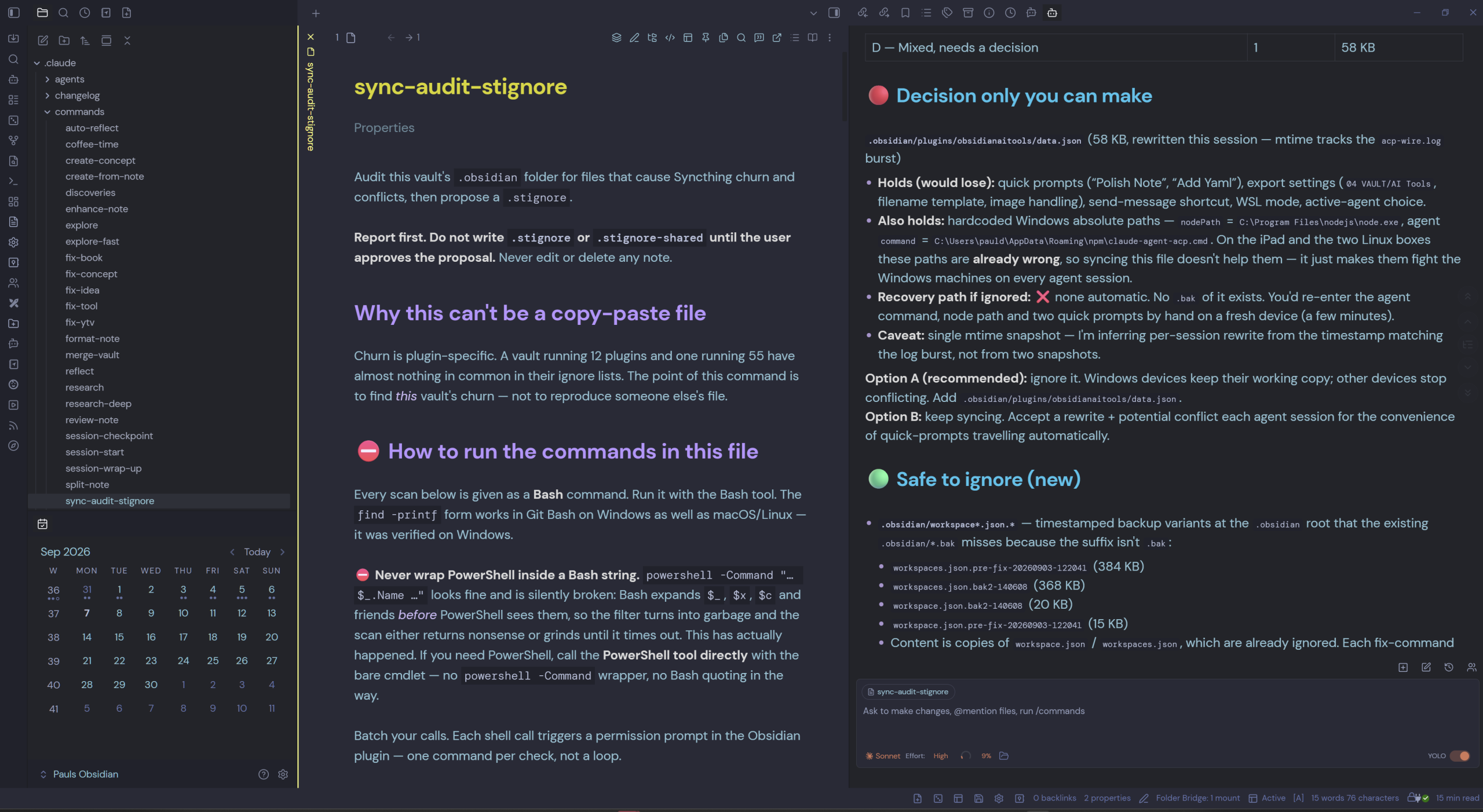
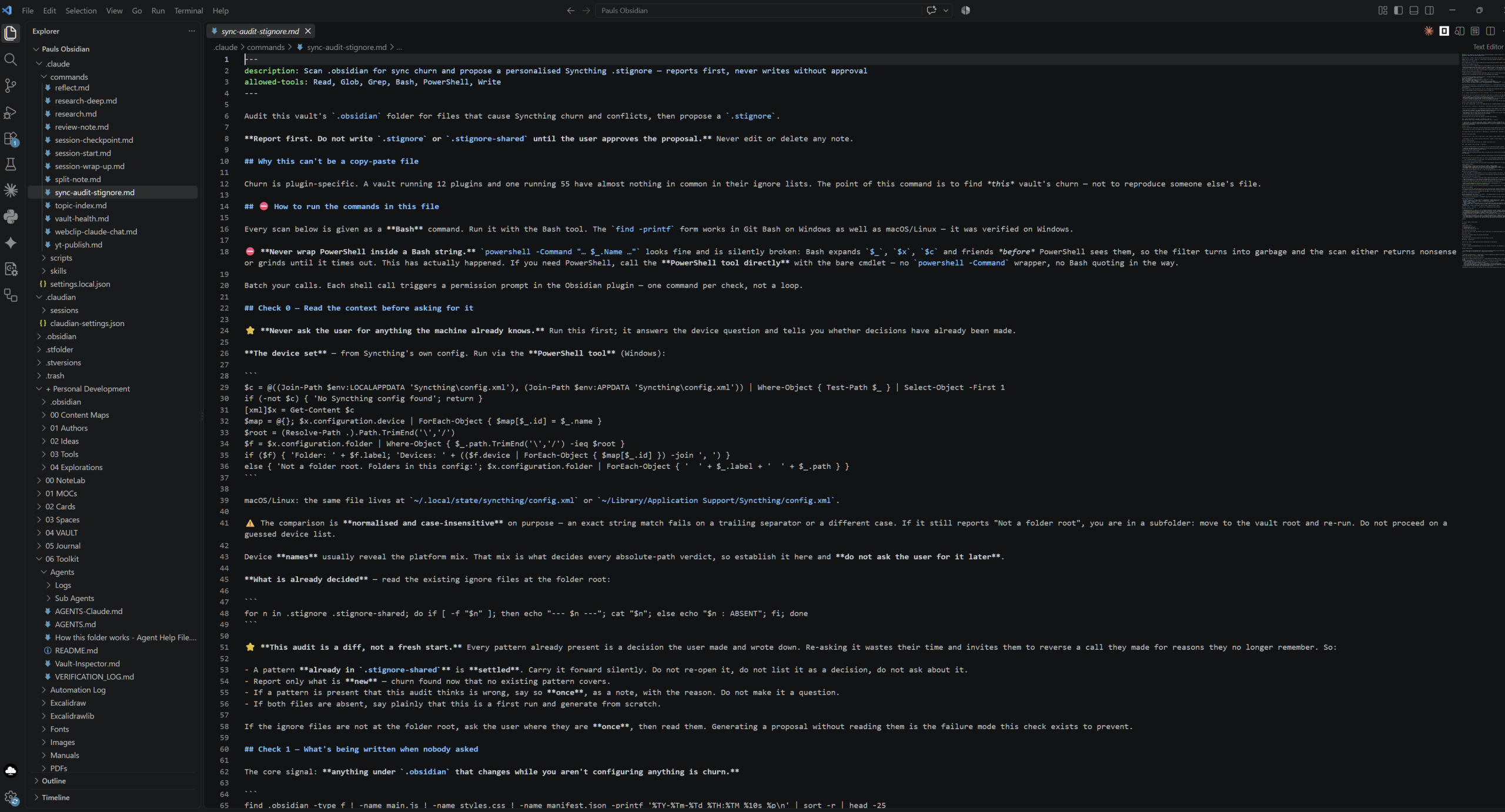
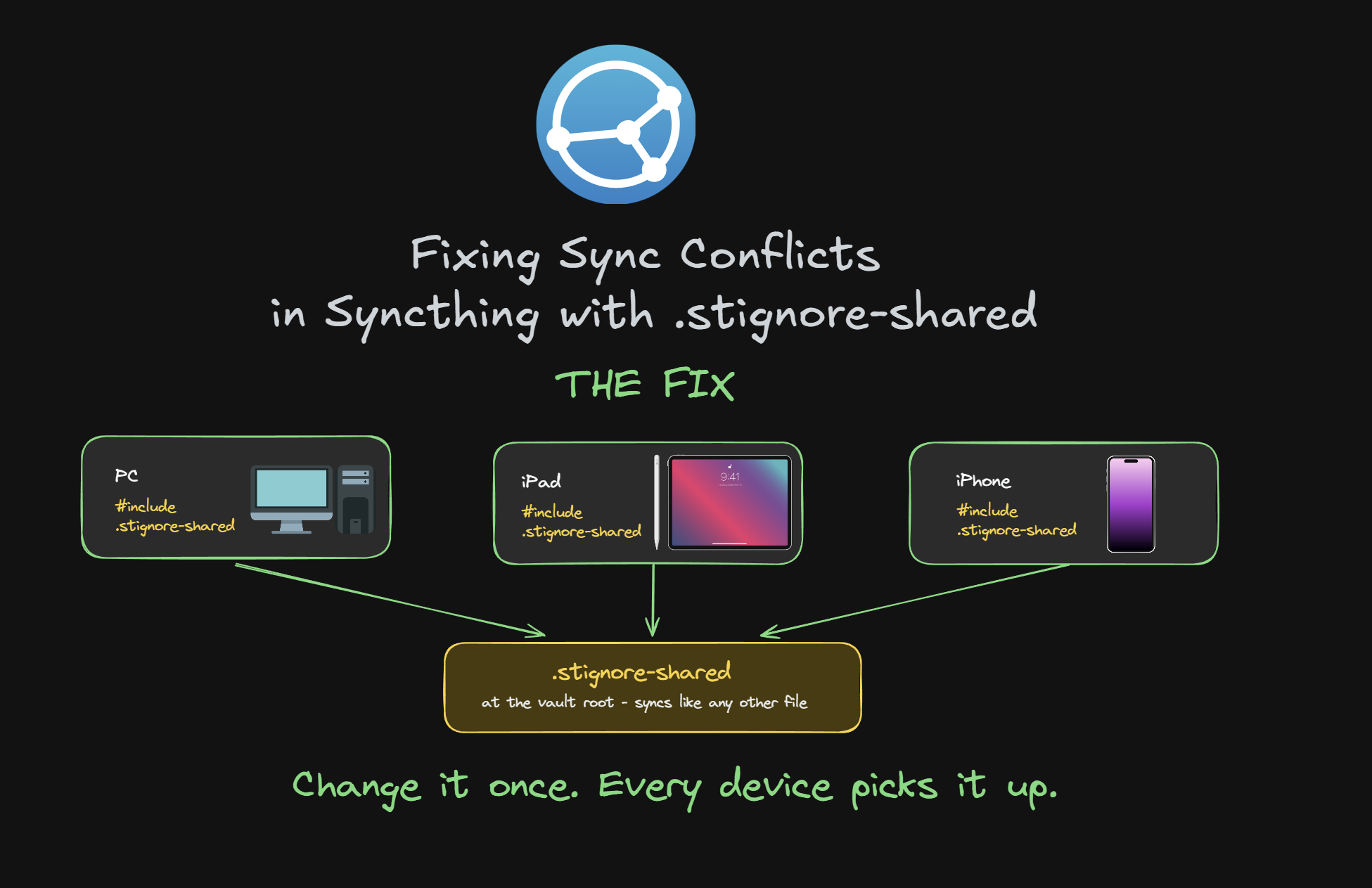
This is the command I built to fix that. It's a Claude Code command that scans your vault's .obsidian folder (and the other synced dot-folders), works out which files are actually causing the conflicts, and builds you a personalised .stignore-shared.
What it does:
1. Opens and classifies every candidate file, real settings you'd have to rebuild, local UI state, regenerable cache, or a mix of both
2. Flags the judgement calls for you to decide instead of guessing — the mixed files are where a copy-pasted list does the most damage
3. Verifies any "you can recover this" claim against what's actually on disk
4. Finds nested sub-vaults and sibling dot-folders that your patterns never reached
5. Reports everything first — it never writes .stignore or .stignore-shared without your approval, and it never touches your notes
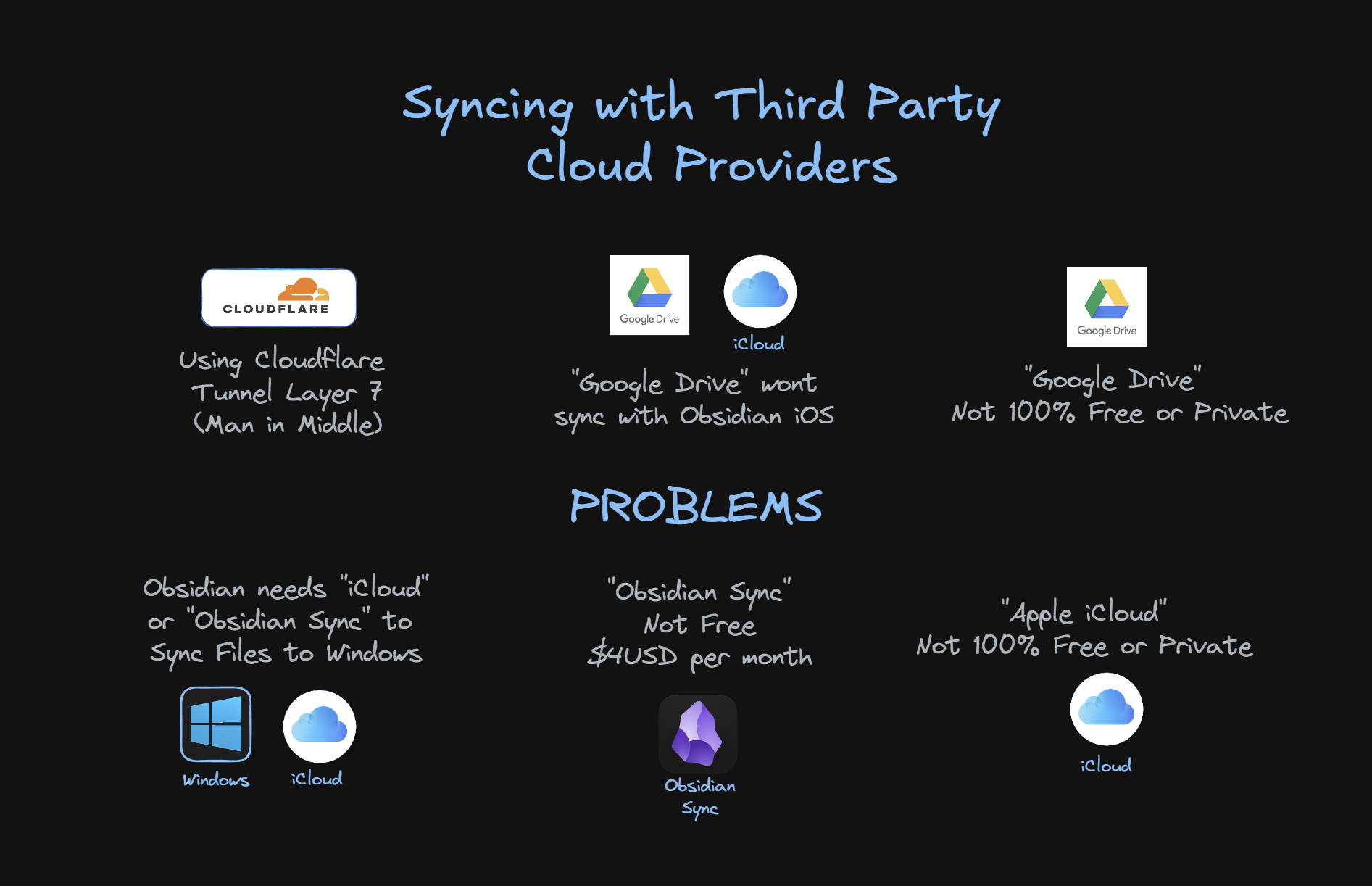
Honest heads-up: this is a power-user tool, not a plugin. You need Claude Code (or an Obsidian AI agent that can run shell commands). It's the same command demonstrated in my video How to Sync Obsidian for Free — No 24/7 Server, No Sync Conflicts | PC & iOS
Includes the command file and a setup guide.
📦 What's Included
- 📄 INSTRUCTIONS.md
- 📄 Claude Command sync-audit-stignore
🛠️ Installation Steps
- See attached INSTRUCTIONS.md file
⚙️ Requirements
- Claude Code, Gemini, Codex or an AI Tool
- Syncthing
Members Area
Change Log 
| Version | Release Date | Changes | Change Type |
|---|---|---|---|
| v1.0 | 07/09/2026 | Uploaded to Ko-Fi and Paul's Vault Members | Released |