
Develop Idea Notes in Obsidian with Claude Commands
- 16/05/2026
Description
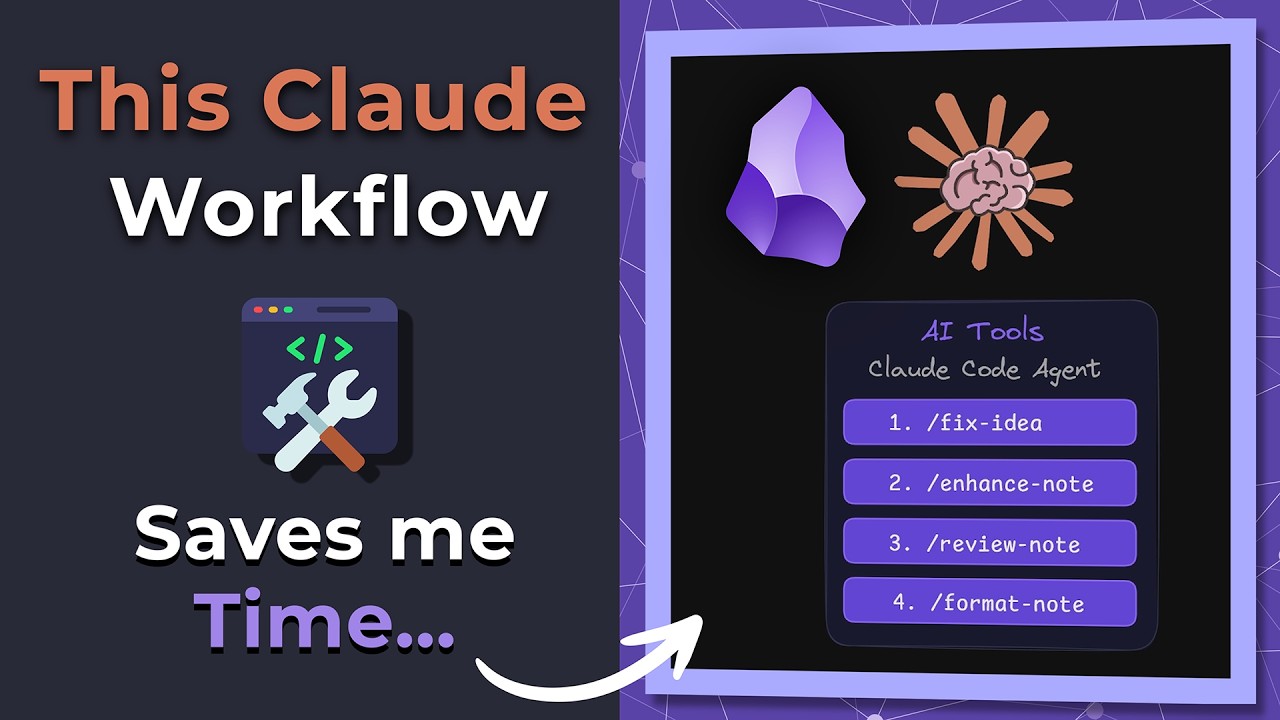
The video demonstrates an efficient workflow in Obsidian for transforming unfinished notes into polished, templated content using four specific Claude AI commands: Fix, Enhance, Review, and Format. It showcases how these commands automate the structuring, summarization, quality assessment, and formatting of notes, significantly reducing manual effort and ensuring consistency with a predefined template.
Best Ideas
1. Automated Note Transformation: Leverage Claude AI agents within Obsidian to automatically structure, refine, and polish notes, significantly reducing the manual effort involved in knowledge management.
2. Systematic Note Development Workflow: Implement a clear, four-stage process using `Fix`, `Enhance`, `Review`, and `Format` commands to systematically improve a note from raw ideas to a finished, template-compliant product.
3. Template-Driven Consistency: Utilize predefined templates (like the “ideas template”) with YAML properties and section placeholders to ensure consistent structure and organization across all notes, making them more manageable and interoperable with AI.
4. Interactive AI Refinement: Don’t just accept AI outputs; use iterative interaction to guide and refine the AI’s suggestions (e.g., asking Claude to include specific details in a summary) for better, more personalized results.
5. AI-Powered Quality & Connection Checks: Employ the `review note` command to not only assess content quality and structure but also identify missing internal links, suggest status updates, and propose related front matter, ensuring notes are well-integrated and accurate.
6. Automated Formatting and Emphasis: Use the `format note` command to automatically apply callouts, highlights, and emphasis based on content, making notes more readable and visually appealing without manual intervention.
7. Maintaining Automation Logs: Record all changes made by the AI agent to an automation log, providing a transparent history and audit trail of modifications for better accountability and understanding of the AI’s actions.
Tools and Resources
- Obsidian: The primary knowledge management software used for note creation and management.
- Claude AI Agent: An AI assistant integrated into Obsidian for processing and transforming notes via custom commands. (Implies a custom plugin or setup).
- Custom Claude Commands: Specific, user-defined commands for note processing:
- `fix idea`: Applies template structure, preserves content, checks YAML, reports changes.
- `enhance note`: Generates key summaries or takeaways, inserts content, logs actions.
- `review note`: Assesses note type, front matter, tag accuracy, content quality, connections, and suggests fixes.
- `format note`: Enhances body formatting with callouts, highlights, and emphasis.
- Obsidian Ideas Template: A specific markdown template used to define the desired structure for idea notes, including YAML front matter (metadata), title, quote, reflection, and external sources sections.
- YAML Properties (Front Matter): Metadata fields within Obsidian notes (e.g., `tags`, `status`, `category`, `topic`, `summary`, `source`, `featured images`, `date created`).
- Obsidian Callouts: Markdown feature for visually distinct blocks of text (e.g., `> [!quote]`, `> [!tip]`).
- Wiki Links: Obsidian’s internal linking feature (e.g., `[[Atomic Habits]]`, `[[Vision Health]]`).
- Toolkit Automation Logs: A system for logging all actions and changes performed by the Claude AI agent.
- Agents and Skills (Us Ultimate Vaults): The underlying framework or product mentioned as providing access to these AI capabilities (links likely in video description).
Key Learning Points
- Embrace AI for PKM Efficiency: AI tools can significantly streamline personal knowledge management by automating tedious tasks like formatting, structuring, and content generation.
- Structured Note-Taking is Foundational: Implementing consistent templates and YAML front matter provides the necessary structure for AI agents to operate effectively and maintain an organized vault.
- Iterative Interaction with AI: Treat AI as a collaborative assistant; don’t just execute commands, but be prepared to review its output and provide further instructions to refine the results to your exact needs.
- Comprehensive Note Lifecycle: Effective knowledge management involves more than just capturing ideas; it extends to systematic fixing, enhancing, reviewing for quality, and formatting to ensure notes are useful and accessible.
- Value of Automated Review and Linking: AI can act as a vigilant editor, identifying missing links, suggesting status updates, and prompting for related connections, which are crucial for building a robust and interconnected knowledge graph.