
Build an Obsidian Database in 5 Minutes (CSV Import Tutorial)
- 21/11/2025
Description
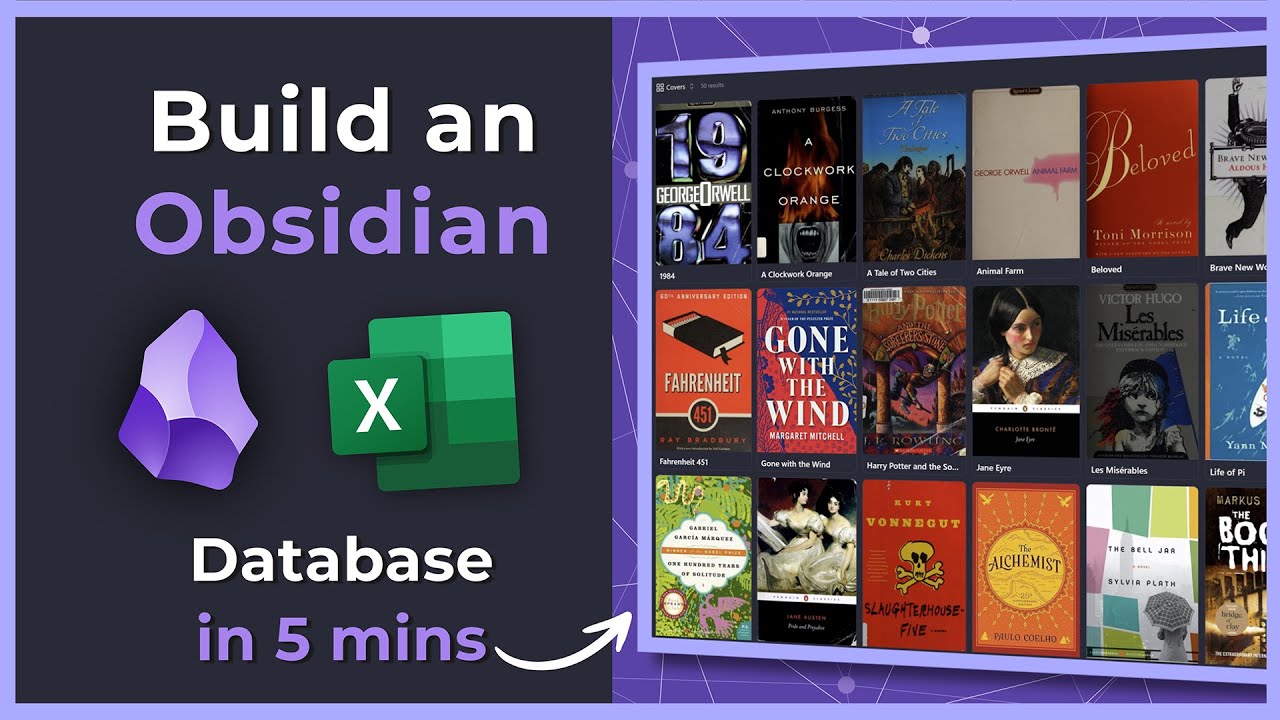
This video demonstrates how to rapidly build a functional database in Obsidian, like a book tracker, by importing CSV data in under 5 minutes. It highlights the use of an AI tool (Claude) to generate structured CSV data and the Obsidian Importer plugin to convert this data into markdown notes with linked properties and dynamic database views. The creator also promotes their “NADM Weekly Insights” service for discovering such innovative Obsidian workflows.
Best Ideas
1. AI-Powered Data Generation: Use AI tools (e.g., Claude, ChatGPT) to quickly generate structured CSV data (e.g., 50 top books with specific YAML columns) for immediate import, eliminating manual data entry.
2. Effortless Database Creation with Importer: Leverage the Obsidian Importer community plugin’s ability to directly generate markdown files and database views from CSVs, simplifying complex data migration and setup.
3. Automated Linking During Import: Configure the Importer plugin to automatically convert specific CSV columns (e.g., author, genre) into linked Obsidian notes (`[[Author Name]]`), building a connected knowledge graph instantly.
4. Dynamic Database Views for Exploration: Utilize Obsidian’s built-in database features to switch between table and card views (with images like book covers), and easily sort data by various properties (genre, author) for flexible information browsing.
5. Community-Driven Feature Discovery: Emphasize the value of monitoring Obsidian communities (like the subreddit) to uncover powerful new plugins, features, and workflows that significantly enhance productivity and vault capabilities.
6. Reusability for Diverse Data: The demonstrated CSV import method is highly versatile and can be applied to various data sets beyond books, such as movies, games, clients, research projects, or any other structured information.
7. Structured Data for Rich Metadata: Design CSV columns to align with desired YAML frontmatter properties in Obsidian templates, ensuring that imported notes are rich with metadata for powerful querying and organization.
Tools and Resources
- Obsidian: The primary knowledge management application.
- Obsidian Importer Community Plugin: The specific plugin enabling CSV to Markdown file and database import.
- Claude: An AI tool used in the video to generate sample CSV data.
- ChatGPT / Obsidian AI Tools: Mentioned as alternative AI tools for data generation.
- CSV Files: The data format used for import.
- NADM Weekly Insights Automation: The creator’s personal automation for monitoring the Obsidian subreddit for top insights.
- NADM Membership Site / Vault Explorers: The creator’s service where these insights are shared.
- NADM2 Obsidian Video: Another video by the creator detailing how to integrate NADM workflows into Obsidian.
- YAML Properties: Used for structured metadata within Obsidian notes, corresponding to CSV columns.
- Markdown Files: The output format for imported data in Obsidian.
Key Learning Points
- Import CSVs into Obsidian for Database Building: You can efficiently create structured databases in Obsidian by importing CSV files using the Importer plugin, avoiding manual data entry.
- Generate Data with AI: Leverage AI tools like Claude to quickly create sample or large datasets in CSV format, tailored with specific columns and formatting rules for Obsidian import.
- Configure Importer for Links and Structure: When importing, explicitly choose which CSV columns should be converted into internal `[[links]]` in Obsidian, and ensure your CSV headers align with desired YAML properties for optimal vault organization.
- Utilize Obsidian’s Database Views: After import, explore and manage your data using Obsidian’s various database views (table, card) and sorting options to visualize information effectively.
- Stay Informed via Communities: Actively monitor relevant communities (e.g., Obsidian subreddit) to discover new plugins, features, and best practices that can significantly enhance your Obsidian workflow.