
My System Engineer Wiki: Obsidian Bases + Dataview – Part 02
- 11/07/2025
Description
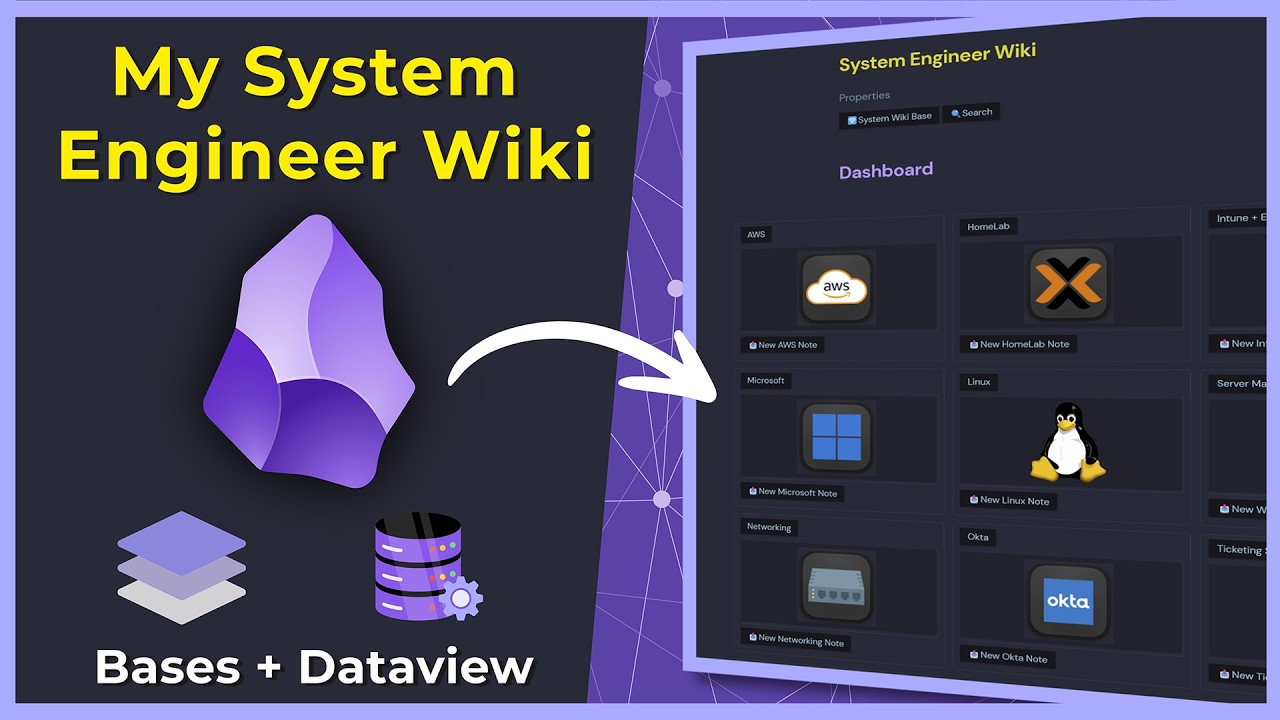
This video demonstrates how to integrate the new Obsidian Basis feature with existing DataView queries to create a powerful hybrid knowledge management system for a system engineer wiki. Paul showcases his personal setup, providing a step-by-step guide on creating, filtering, and embedding Basis views into an existing Obsidian vault to enhance organization and navigation.
Best Ideas
1. Hybrid DataView + Basis Setup: Combining Obsidian Basis for structured, organized data views (like tables for specific sections) with DataView for dynamic queries, searches, and existing dashboards creates a robust and flexible knowledge management system, leveraging the strengths of both.
2. Dedicated ‘Bases’ Folder for Organization: The strategy of creating a separate directory specifically for Basis files (`SpacesBasesFolder` in the video) helps maintain a clean and organized vault, preventing these system-generated files from cluttering the main note folders.
3. Leveraging Folder Structure for Basis Filters: Using `folder contains` as a primary filter for Basis views (`Spaces/System Engineer Wiki/PowerShell`) allows for efficient auto-population of notes within specific sections of the wiki, simplifying the setup for large, hierarchical vaults.
4. Formula-Based Property Population: For metadata like `date modified` or `date added` that might be missing in YAML properties, Basis allows using formulas (e.g., `date(file.mtime).format(“YYYY-MM-DD”)`) to automatically populate these columns, ensuring consistent data display across views.
5. Embedding Specific Base Views: The ability to embed a particular view from a Basis file (e.g., `![[System Engineer Wiki#HomeLab]]`) directly into an existing note allows for seamless integration of structured tables or cards onto custom dashboards or section landing pages.
6. Custom Navigation Buttons with Metabind: Creating custom Metabin buttons that link directly to specific Basis files or even particular views within a Basis file enhances navigation and user experience, making it intuitive to jump between different parts of the wiki.
7. Maintaining Search with DataView (Temporary Workaround): Until Basis gains native search functionality, the video demonstrates a practical approach of keeping existing DataView search input fields and full directory listings alongside embedded Basis views to ensure users retain crucial search capabilities.
Tools and Resources
- Obsidian: The primary personal knowledge management software.
- Obsidian Basis (Plugin): A new plugin for creating structured data views (tables, cards) within Obsidian. Requires Obsidian Catalyst Membership and Obsidian version 1.9.0 or above.
- Obsidian DataView (Plugin): Used for creating dynamic queries and lists of notes based on metadata and folder structures.
- Metabind (Plugin): Utilized for creating interactive buttons and input fields (e.g., for search) that can set YAML properties or trigger actions, improving UI and navigation.
- YAML Properties: Standard metadata fields in Obsidian notes, used extensively by DataView and Basis for filtering, sorting, and displaying information.
- Obsidian Catalyst Membership: A paid membership (minimum 25 USD) required to access the Obsidian Basis plugin at the time of the video recording.
- Obsidian URL: The internal link format used to copy and paste links to specific files or sections within Obsidian.
- Kofi Page: Mentioned as a platform where the creator’s “Obsidian Knowledge Wiki Pro Vault” is available.
Key Learning Points
- Designing a Hybrid PKM System: Learn how to strategically combine the strengths of Obsidian Basis (for structured, visual data) and DataView (for dynamic queries and search) to build a powerful and adaptable knowledge management system.
- Step-by-Step Basis Configuration: Understand the process of creating new Basis files, defining filters (e.g., `folder contains`, `tags`), and customizing columns with both explicit YAML properties and formula-driven calculations.
- Seamless Integration Techniques: Acquire practical skills in embedding specific Basis views into existing Obsidian notes, creating custom navigation buttons with Metabind, and linking them to dashboards for improved accessibility.
- Effective Vault Organization: Gain insights into organizing a complex Obsidian vault by centralizing Basis files in a dedicated folder and leveraging workspace layouts for quick access to specific knowledge domains.
- Adapting to Plugin Limitations: Learn strategies for working around current limitations of nascent plugins (like Basis’s initial lack of search) by integrating complementary tools to maintain full functionality within your workflow.