
Stop Cluttering Your Notes:: Hiding Annoying YAML Properties
- 15/06/2025
Description
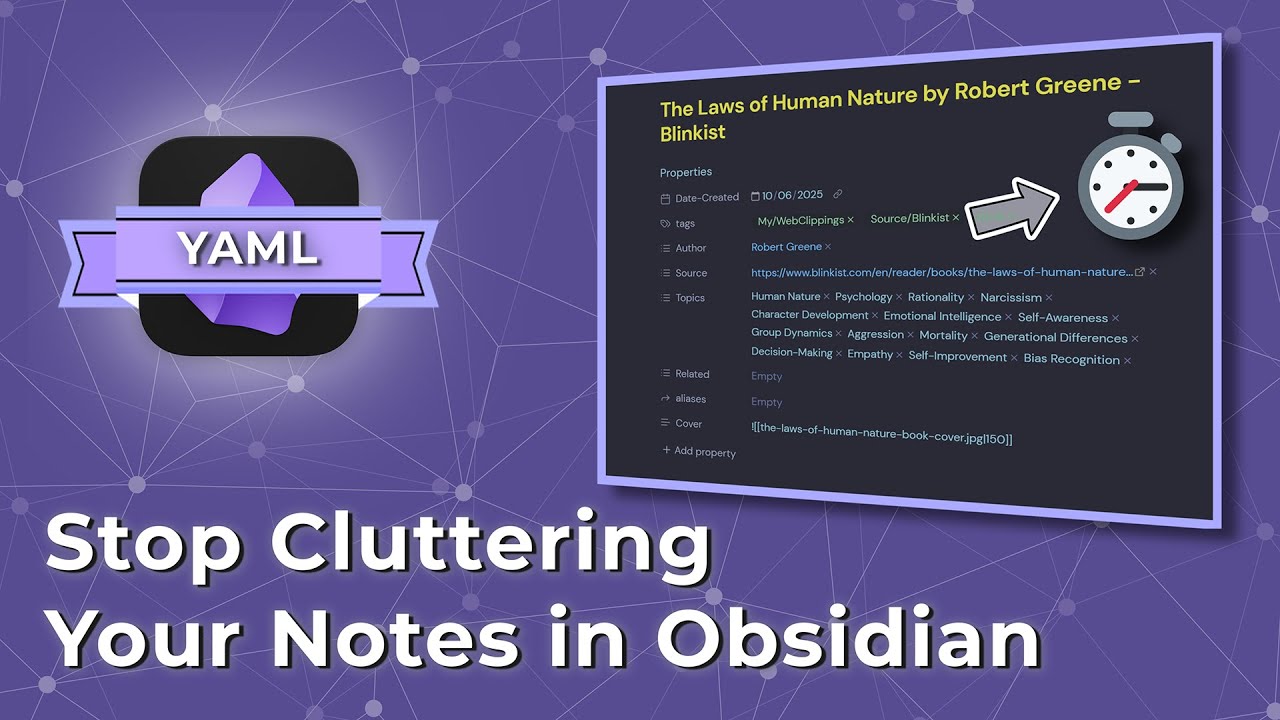
This video addresses the common frustration of visually distracting YAML properties in Obsidian notes. Paul Lennon demonstrates how Obsidian’s default property display settings are insufficient and offers two solutions: a community plugin called “Fold Properties by Default,” and his preferred method, a custom CSS snippet that hides properties until hovered over. The main goal is to enable users to maintain quick access to YAML data while ensuring a cleaner, more focused note-taking environment.
Best Ideas
1. Clear Problem Definition: The video effectively highlights the pain point that Obsidian’s default property view options (visible, hidden, source) force a compromise between constant visual clutter and losing quick access to powerful YAML data.
2. “Fold Properties by Default” Plugin: Presents a straightforward community plugin solution that automatically folds YAML properties, providing an instant visual declutter with a simple click-to-reveal mechanism.
3. Custom CSS Snippet (Hover-to-Reveal): Introduces a more elegant and preferred solution where properties are hidden by default but instantly revealed upon mouse hover, offering a seamless and less intrusive way to interact with properties.
4. Advantages of CSS Snippets: Emphasizes that for simple UI customizations, CSS snippets can be a lighter-weight and potentially more stable alternative to relying on community plugins, reducing reliance on third-party code.
5. Focus-Driven Workflow Improvement: The core concept of removing visual distractions to help users stay focused on their note content, while still providing on-demand access to crucial metadata.
6. Accessibility without Permanent Clutter: The actionable idea of achieving a balance where important metadata is always within reach but doesn’t constantly occupy screen real estate.
Tools and Resources
- Software: Obsidian, Visual Studio Code (for editing CSS files).
- Obsidian Features/Plugins: YAML properties, DiveView, Obsidian’s new core “bases” plugin (for native databases), Obsidian’s editor settings (“Properties in Document”), command palette, community plugins, CSS snippets.
- Specific Plugins/Snippets: “Fold Properties by Default” (community plugin), `hideproperties.css` (custom CSS snippet).
- File Paths: Obsidian’s `.obsidian/snippets/` folder (for custom CSS).
- External Resources: Paul Lennon’s Crowdfire page (link provided in video description for downloading `hideproperties.css`).
Key Learning Points
- YAML Properties are Essential but Can Be Improved: While powerful for organizing notes, particularly with new features like native databases, the default display of YAML properties in Obsidian can hinder a focused workflow.
- Obsidian’s Customization Options: Users can significantly customize their Obsidian experience beyond default settings, leveraging both community plugins and custom CSS snippets to tailor the UI to their preferences.
- CSS Snippets for UI Control: CSS snippets offer a robust, lightweight method for precise UI adjustments within Obsidian, providing a valuable alternative to plugins for visual changes.
- Balancing Information Access and Visual Cleanliness: It’s crucial to find a balance between having quick access to important metadata (like YAML properties) and maintaining a clean, distraction-free note-taking environment.
- Workflow Optimization through UI Management: Proactively managing how UI elements are displayed can significantly enhance productivity and focus within any application, including Obsidian.