
My Top 10 Must-Have Community Plugins for Obsidian in 2024
- 07/12/2024
Description
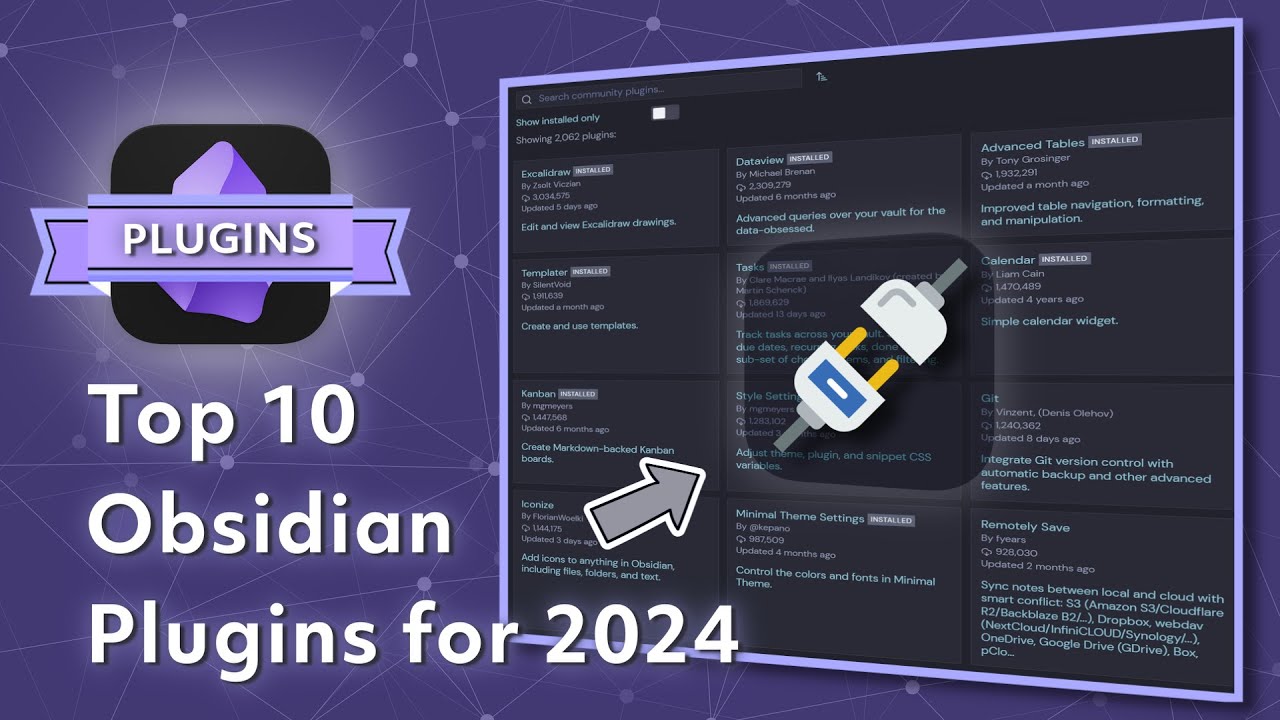
This video presents the creator’s top 10 essential community plugins for Obsidian in 2024, highlighting tools that significantly boost productivity and customize the note-taking experience. It showcases how these hand-picked plugins enhance Obsidian’s functionality, from aesthetic adjustments and structured journaling to advanced automation and dynamic data management, empowering users to tailor their vaults to specific workflows.
Best Ideas
1. Deep Customization for User Comfort: Plugins like “Style Settings” and “Minimal Theme Settings” allow for granular control over Obsidian’s visual aesthetics, enabling users to personalize font styles, colors, and layouts to create a more comfortable and focused working environment.
2. Structured Time-Based Note-Taking: The combination of “Calendar” and “Periodic Notes” offers a robust system for daily, weekly, monthly, and yearly journaling and review. This structure encourages consistent reflection and provides an easy way to navigate through time-based notes.
3. Interactive Notes and Workflow Automation: “Metabind” transforms notes into interactive elements with inline fields and customizable buttons. This enables users to embed actions directly within their notes, streamlining processes like project management, review cycles, or data input without leaving the note context.
4. Efficient Note Creation with Templates and Automation: “QuickAdd” and “Templater” are powerful tools for rapidly creating new notes with predefined structures, YAML front matter, and dynamic content. This ensures consistency across notes and drastically reduces the friction of starting new entries, especially for repetitive tasks or research.
5. Personalized UI and Command Accessibility: The “Commander” plugin allows users to customize their Obsidian interface by adding frequently used commands to various UI elements (ribbon, status bar, editor menu). This saves time by making essential functions immediately accessible, tailoring the interface to individual workflow needs.
6. Dynamic Data Management and Insights: “DataView” stands out by enabling users to query and display notes based on metadata, creating dynamic tables, lists, and tasks. This transforms Obsidian into a powerful personal database, allowing for actionable overviews and insights from scattered notes.
7. Visual Thinking and Diagramming: The special mention of “Excalidraw” underscores the value of visual tools for brainstorming, learning, and presenting concepts. It offers a flexible sketching tool that integrates seamlessly, enhancing the ability to communicate complex ideas visually within Obsidian.
Tools and Resources
- Obsidian: The core note-taking application.
- Style Settings Plugin: For custom CSS styling, font, and heading control within themes like Minimal.
- Minimal Theme Settings Plugin: Specifically for customizing the Minimal theme’s palette, layouts, and typography.
- Calendar Plugin: Creates a simple calendar view for daily/weekly notes.
- Periodic Notes Plugin: Sets up daily, weekly, monthly, quarterly, and yearly notes with templates.
- Metabind Plugin: For interactive notes with inline fields, metadata displays, and buttons.
- *Resource:* Metabind playground and developer Marutz Jun’s online documentation.
- Folder Notes Plugin: Allows opening a folder as a note, similar to Notion.
- QuickAdd Plugin: A powerful combination of template, capture, macro, and multi-choice tools for rapid note creation and organization.
- *Resource:* Creator’s video on QuickAdd.
- Commander Plugin: Adds commands to different parts of the Obsidian user interface.
- *Resource:* Creator’s video “How to Customize your Obsidian Interface.”
- Templater Plugin: Defines a template language using variables and functions for dynamic templates.
- *Resource:* Creator’s video “Mastering Obsidian Templates, my workflow, and setup tips.”
- DataView Plugin: Creates dynamic views and queries of notes based on metadata.
- *Resource:* Creator’s video “Obsidian DataView plugin beginners guide and advanced workflow.”
- Excalidraw Plugin (Special Mention): A feature-rich sketching tool for visual diagrams and brainstorming.
Key Learning Points
- Obsidian’s Power is in its Community Plugins: The core application is a foundation, but its true versatility and capability for tailored workflows come from the vast ecosystem of community-developed plugins.
- Personalization Enhances Productivity: Investing time in customizing the look, feel, and functionality of Obsidian through plugins can significantly improve comfort, reduce friction, and boost overall productivity.
- Automation is Key for Efficiency: Plugins like QuickAdd, Templater, and Metabind emphasize the importance of automating repetitive tasks and streamlining note creation to save time and ensure consistency.
- Structured Note-Taking Drives Better Organization: Tools for periodic notes and calendar views facilitate consistent journaling and review habits, leading to a more organized and reflective note-taking practice.
- Data Retrieval and Visualization Unlocks Insights: Leveraging metadata and query tools like DataView allows users to transform their notes from a collection of isolated files into a dynamic, interconnected database, revealing patterns and insights.
- Visual Thinking Improves Comprehension: Integrating sketching and diagramming tools like Excalidraw can significantly enhance brainstorming, learning, and the presentation of complex information.